Halloween Sale – Enjoy 20% off selected products from October 20 to November 3!
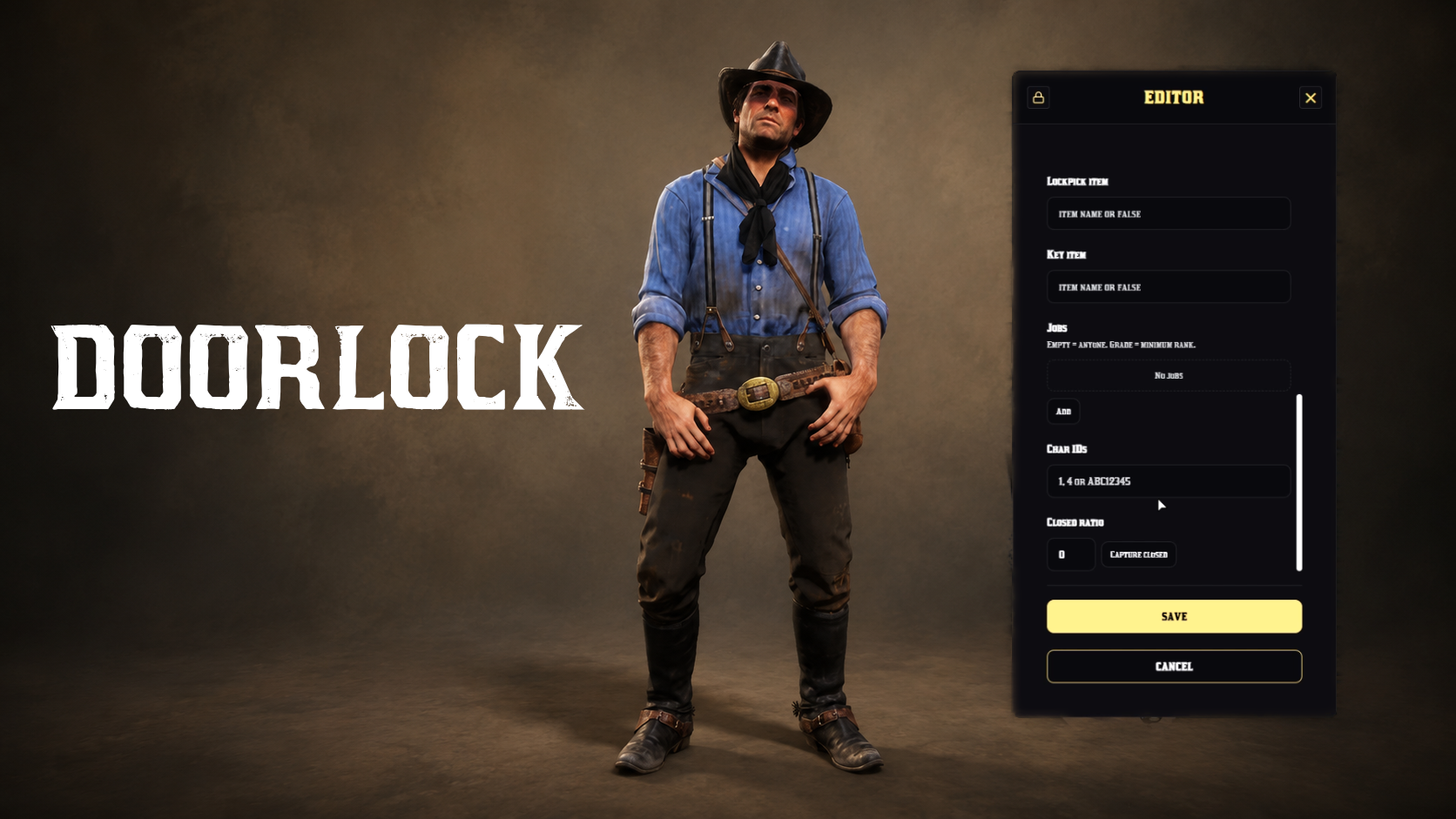
Doorlock
Doorlock [VORP/RSG]
Create door locks directly in-game using a modern and user-friendly menu.
Features
- Admin menu access can be restricted by group or ACE permissions
- In-game door detection
- Custom names can be assigned to each door
- Door locking and unlocking permissions can be configured based on: job and job grade, Character ID. Optional 3D marker support
Installation
1. Import the `wasvendel_doorlock.sql` file into your database.
2. Add the following line to your `server.cfg` file to ensure the script starts with the server:
`ensure wasvendel_doorlock`
3. Use the in-game menu to configure your doors.
**Dependencies: **
- VORP core or RSG core
- vorp_inventory or rsg_inventory
- oxmysql
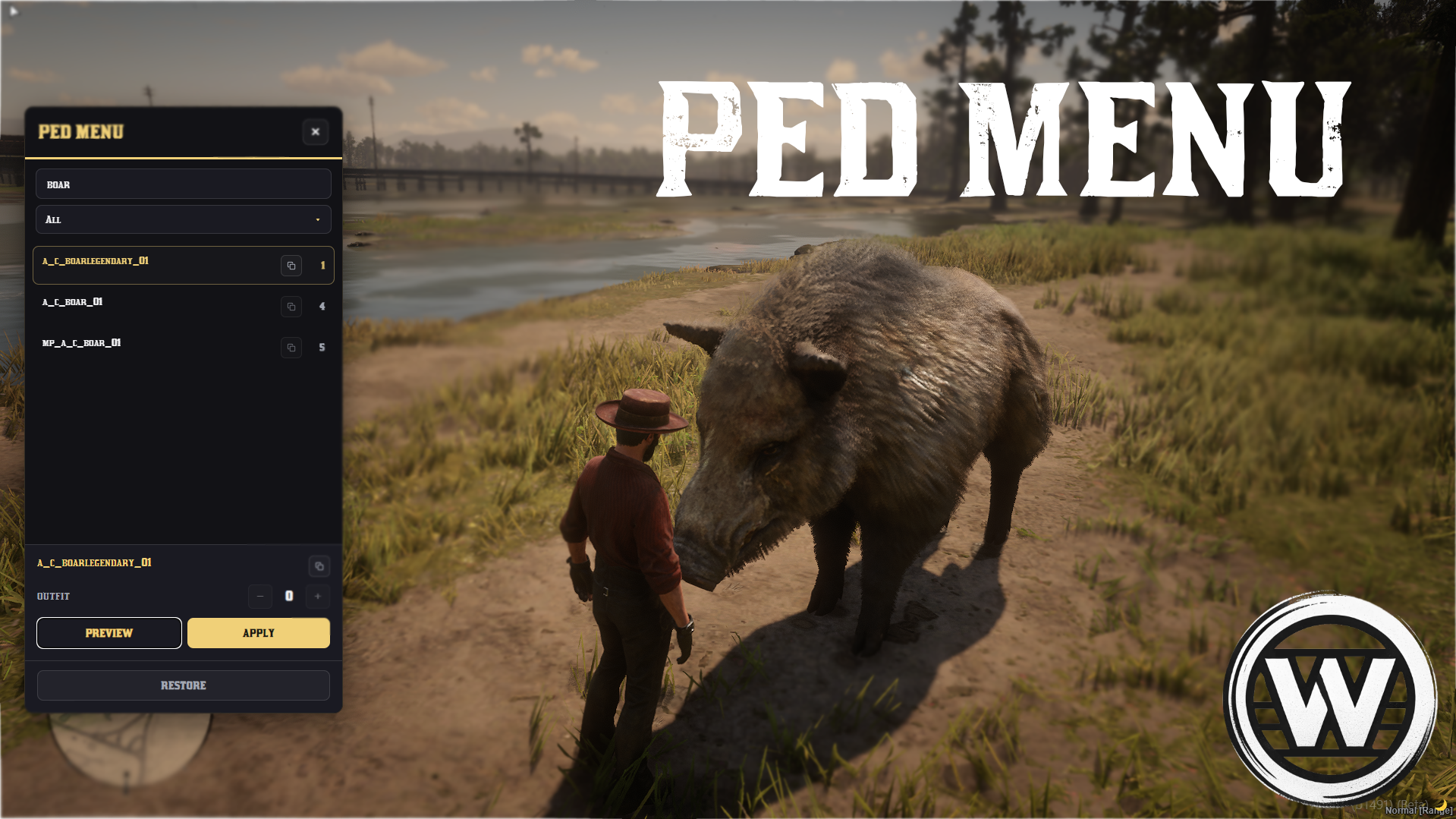
Ped menu
Ped Menu (standalone)
The Wasvendel Ped Menu is a lightweight character selection and preview system.
Features:
- Ped preview before selection
- Outfit selection
- Menu access restricted by Steam ID
- Ability to open the menu for other players using a command
Dependencies:
- no dependencies
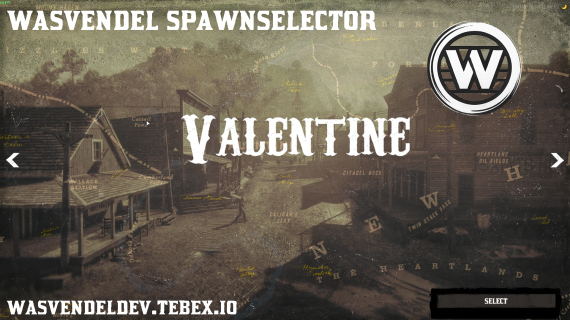
Spawnselector
Spawnselector (standalone)
- Allows players to choose their spawn location via a UI slider
- Loads images and button text dynamically from
config.lua - Teleports player to the selected spawn with a wake-up animation
- UI can be opened or closed via event or export
- Fully client-side with NUI integration
Showcase

Saltgun
Saltgun
The configured weapons do not deal damage, and the hit player is placed into ragdoll for a few seconds.

Loadingscreen
Loadingscreen(standalone)
Simple loadingscreen
Dependencies:
- no dependencies
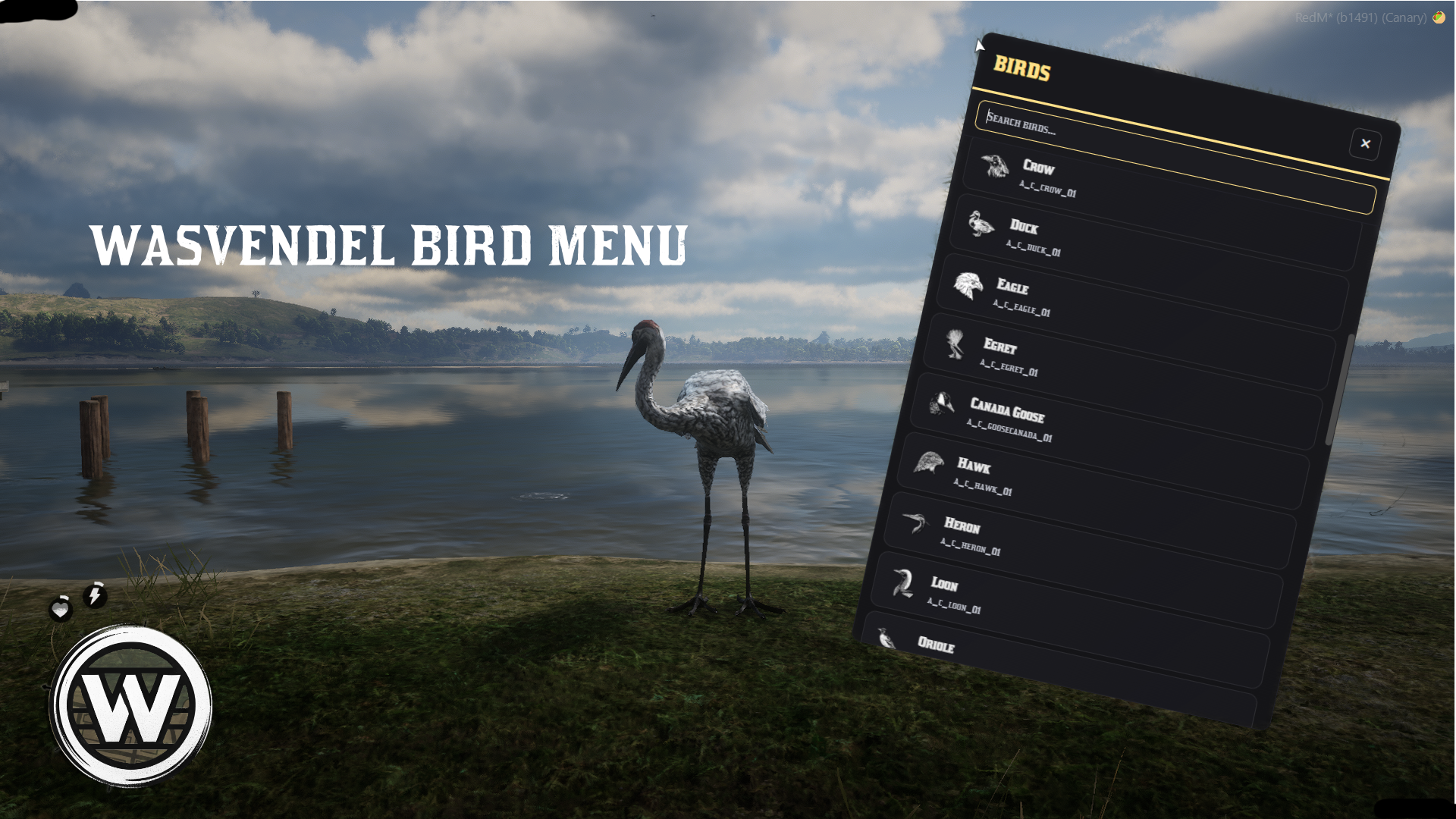
Bird menu
Bird menu
The wasvendel bird menu is a simple menu where you can change the game character into a bird.
The bird can:
- walk
- run
- swim (water birds)
- fly
You can set the game to god mode when you are in bird mode.
**Controls: **
W, A, S, D - Move forward, backward, right, left
Shift - Run
Space - Start flying and land near the ground
**Dependencies: **
- no dependencies
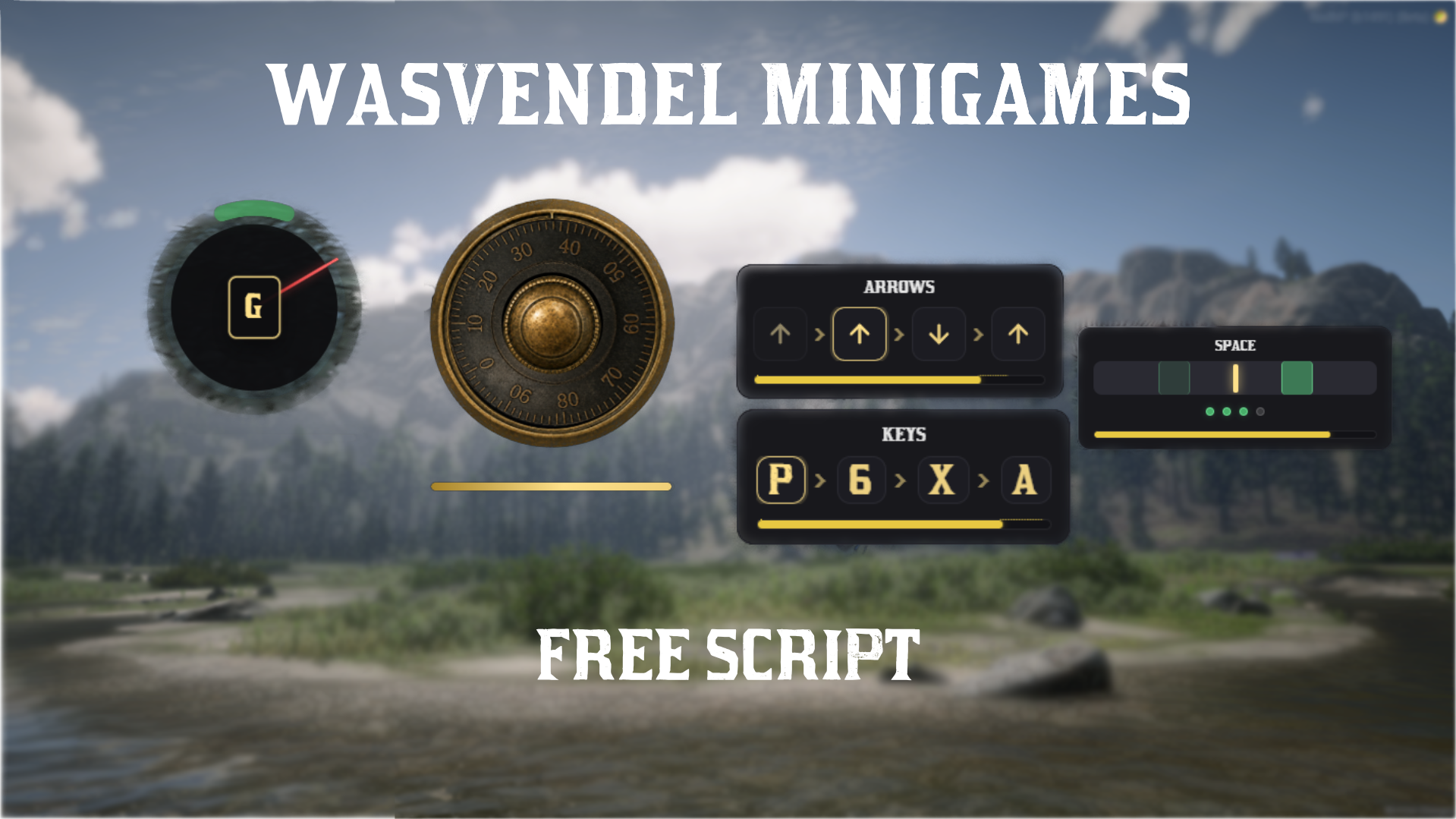
Minigames
Minigames (standalone)
Simple minigames that can be called through exports, ideal for adding variety to our scripts. Some future Wasvendel scripts will require them. Minigames:
- Safe cracking
- Arrow and letter minigame
- Reaction time minigames
Dependencies:
- no dependencies